Compare
Superboard vs. Google Docs: document or mission home?
Google Docs is a mature collaborative document editor. Superboard treats documents as one kind of artifact inside a larger operating system for the initiative.
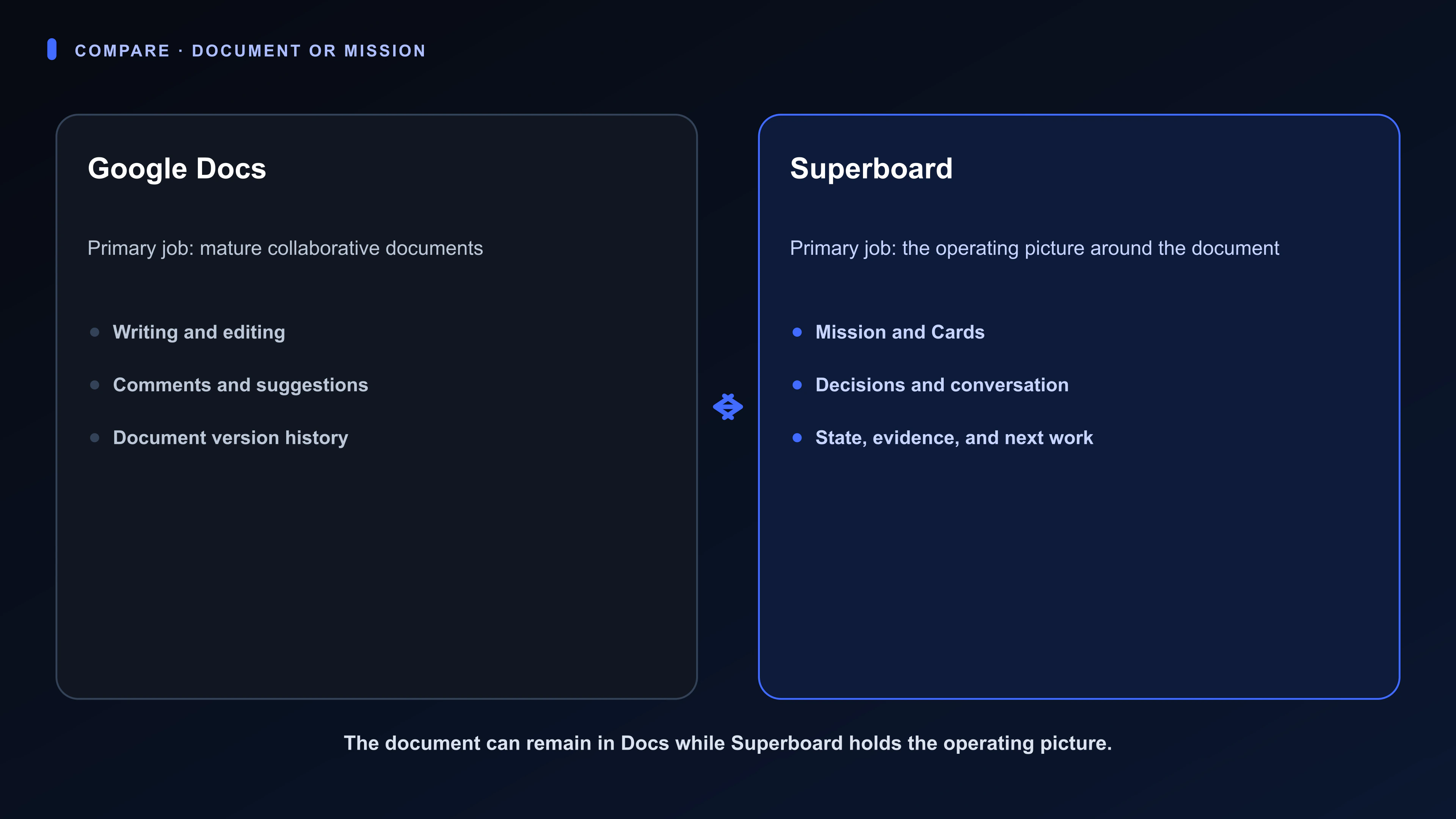
Choose Google Docs when the document and live co-authoring are the central job.
The Owner keeps the mission, constraints, consequential decisions, and authority outside current supported actions. Choose Superboard when the document must stay attached to the task, decision, customer, or goal around it.
Superboard supports native documents but does not claim Google Docs feature parity. Next is real-time small-team collaboration. Direction includes direct integration, production multi-agent work, cross-Board decision ranking, and broader point-in-time rollback.
The shortest useful comparison
| Dimension | Google Docs | Superboard |
|---|---|---|
| Primary organizing unit | Documents | A Board for the whole initiative; Cards open into Rooms |
| Central job | Google Docs is especially strong for browser-based document creation, comments, suggestions, sharing, real-time co-editing, and version history. | Keep the operating picture, work, judgment, Ava, and history together |
| AI role | Gemini assists with writing and working with document content where available | Ava works inside the Board and its Rooms; the broader multi-agent workforce is Direction |
| Human judgment | Suggestions, comments, and sharing controls keep document review with people | Pulse keeps contextual changes and questions with the work; cross-Board decision ranking is Direction |
| Current collaboration | Mature real-time co-editing, comments, suggestions, sharing, and permissions | Solo-first; real-time small-team collaboration is Next |
| Recovery and history | Version history shows changes and supports restoring an earlier document version | Visible Activity, supported Undo, and restore from Removed Items; broader point-in-time rollback is Direction |
What Google Docs does especially well
Google Docs is especially strong for browser-based document creation, comments, suggestions, sharing, real-time co-editing, and version history.
- Several people need mature live document co-authoring.
- Document formatting and review are the main job.
- Your organization already depends on Google Workspace.
What Superboard organizes differently
Google Docs makes the document the primary collaborative object. Superboard treats a Document as one artifact on a Card's Stage. The surrounding Room keeps the assignment, supporting files, sequential conversation, current Pulse, decision, and Activity with that document.
For a contract review, Docs may remain the best place to co-author the contract while a Superboard Card keeps the scope, evidence, approval decision, and follow-up. For a household insurance renewal, the document can sit beside policy files, dates, and the coverage choice rather than becoming the whole system.
What remains with the Owner
Keep this boundary simple: the Owner keeps the mission and its constraints, makes every consequential decision, and holds the authority for actions outside Superboard’s current supported boundary. Ava can help organize and prepare the work, but neither a document nor an AI recommendation decides what the outcome should be or authorizes a real-world commitment. Use this memory aid: people together is Next—real-time small-team collaboration. Systems working more broadly is Direction—direct integrations, production multi-agent work, cross-Board decision ranking, and broader point-in-time rollback. Neither is available today.
When to choose Google Docs
- Several people need mature live document co-authoring.
- Document formatting and review are the main job.
- Your organization already depends on Google Workspace.
When to choose Superboard
- The document is one part of a larger mission with decisions, evidence, dates, and follow-up.
- One Owner needs each meaningful piece of work to retain its artifact, conversation, current state, and history.
- You will keep using Docs when mature co-authoring or document formatting is the stronger surface.
How they can work together
Existing Google documents may remain part of a mission while a Superboard Card holds the assignment and decision around them. Deeper Google Workspace connections are direction unless documented in Help. Google Docs and Superboard are separate products and are not affiliated.
Available today
Current Superboard limits
Superboard's native Documents do not match Google Docs for mature realtime co-authoring, formatting, suggestions, sharing, or document version history. There is no current direct Google Docs integration documented in Help.
Official sources
Material claims about the other product were checked against these first-party sources on 2026-08-16.